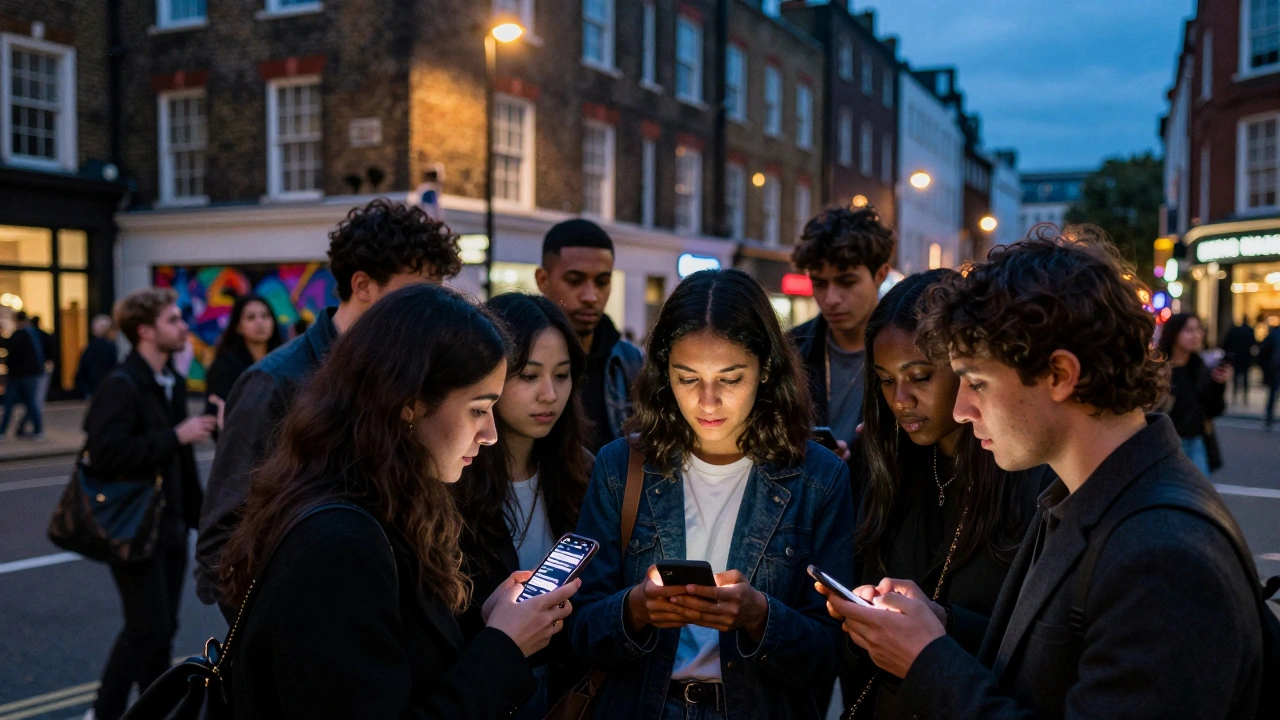
Imagine you’ve spent weeks organizing a pop-up art show in Shoreditch or a jazz night in Camden. You have the venue booked, the artists confirmed, and the flyers printed. But then comes the hard part: getting people through the door. In London, word-of-mouth is powerful, but digital visibility is non-negotiable. If your event isn’t listed on the major platforms, it effectively doesn’t exist to the thousands of potential attendees scrolling their phones every evening.
Submitting your event to London listings sites isn’t just about copying and pasting details into a form. It’s a strategic process that involves choosing the right channels, optimizing your description for search engines, and understanding the specific audience each platform serves. Whether you are running a free community workshop or a ticketed gala dinner, this guide will walk you through exactly how to get noticed in one of the world’s most competitive cultural hubs.
Why London Event Discovery Is Different
London is not a single market; it is a collection of distinct neighborhoods with unique cultural identities. An event that thrives in Mayfair might flop in Brixton if marketed incorrectly. The city’s event landscape is fragmented across several dominant platforms, each serving a different purpose. Understanding these differences is the first step in successful submission.
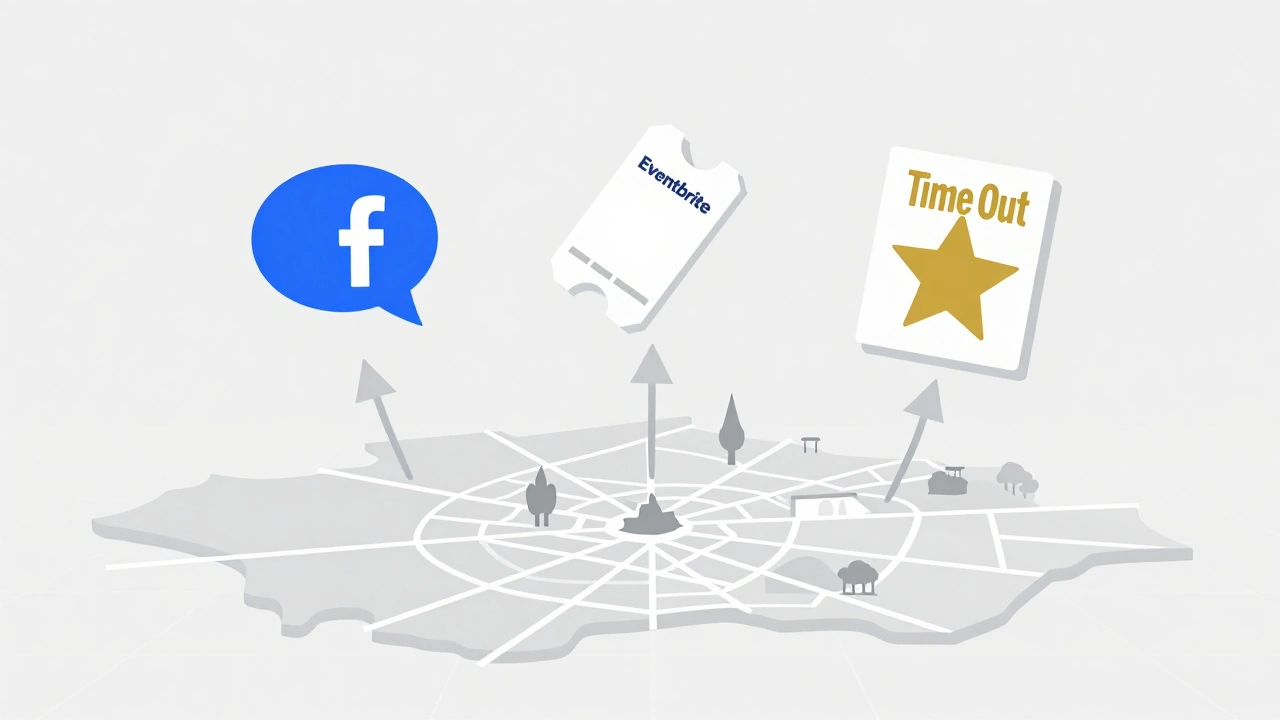
Unlike smaller cities where one local newspaper might cover everything, London relies on a mix of global giants like Facebook, specialized ticketing platforms like Eventbrite, and curated editorial sites like Time Out London. Each has its own algorithm, submission guidelines, and user base. Your goal is to cast a wide net while ensuring your message resonates with the specific demographic of each site.
The Big Three: Where to Start
Before diving into niche directories, you need to secure your presence on the three pillars of London event discovery. These platforms drive the majority of organic traffic for mid-sized and large events.
- Facebook Events: This remains the default calendar for many Londoners. The key here is social sharing. When you create an event, ensure you tag relevant venues, collaborators, and influencers. Use high-quality visuals and encourage early RSVPs to boost the algorithmic ranking.
- Eventbrite: Ideal for ticketed events. Eventbrite’s internal search engine is robust. To rank well, use clear titles (e.g., "Beginner Yoga Class in Hackney" rather than "Zen Flow") and include specific keywords in the description. They also offer promotional tools to email subscribers who follow similar categories.
- Time Out London: This is the gold standard for cultural credibility. Being featured here signals quality. However, submission is often editorial. You typically pitch your event via their press portal or newsletter subscription. Focus on what makes your event unique-exclusive access, famous speakers, or unusual locations.
Optimizing Your Event Description for Search
Writing a compelling event description is both an art and a science. You need to hook the reader emotionally while satisfying the technical requirements of search algorithms. This is known as SEO (Search Engine Optimization) for events.
Start with a strong headline. Include the location and the core benefit. For example, "Live Jazz Night at Ronnie Scott's" is better than "Music Event." In the body text, answer the five Ws: Who, What, Where, When, and Why. Be specific about the experience. Instead of saying "great food," say "three-course meal featuring seasonal British ingredients by Chef Jamie Oliver-style local talent."
Use bullet points for readability. Mobile users scan content quickly. Highlight key details like:
- Date and time (including timezone if relevant)
- Venue address with transport links (e.g., "5 mins from Old Street Station")
- Ticket price and what’s included
- Accessibility information
Avoid jargon. Write as if you’re telling a friend about the event. Keep sentences short and active. "Join us for..." is stronger than "You are invited to attend..."
Niche Platforms for Targeted Audiences
Once you’ve covered the basics, expand into niche platforms that cater to specific interests. These sites may have smaller audiences, but they are highly engaged and likely to convert.
| Platform | Best For | Submission Type | Cost |
|---|---|---|---|
| Songkick | Concerts and live music | API integration or manual entry | Free for basic listing |
| Meetup | Community groups and networking | Create a group and post events | Free for small groups |
| 10 Downing Street (Official Gov Events) | Civic and public sector events | Formal application | Varies |
| GigsndTours | Independent music and festivals | Direct submission | Free |
For instance, if you are hosting a tech startup mixer, LinkedIn Events is essential. Create a professional page for the event and invite connections directly. If you are organizing a literary reading, consider pitching to The Guardian Culture or local literary blogs. Each niche platform has its own community norms, so tailor your tone accordingly.
Local News and Hyperlocal Directories
Don’t underestimate the power of hyperlocal media. London has dozens of neighborhood-specific news sites and blogs that actively seek local content. Examples include Shoreditch Insight, Brixton Buzz, and Hampstead & Highgate Express.
These outlets often have dedicated email addresses for event submissions. Send them a concise press release highlighting the local impact of your event. Emphasize any partnerships with local businesses or charities. Journalists love stories that benefit the community. A feature in a local paper can drive significant footfall from residents who trust their neighborhood sources more than national aggregators.
Visual Content: The Key to Click-Throughs
In a crowded feed, your image is the first thing people see. Invest in high-quality photography or design. Avoid generic stock photos. Use images that convey the atmosphere of your event. Show happy faces, interesting decor, or dynamic action shots.
Follow platform-specific size guidelines. For Facebook, square or vertical images perform best. For Instagram Stories, use full-screen vertical formats. Always include alt-text for accessibility and SEO. Describe the image accurately, e.g., "Crowd enjoying live acoustic music at rooftop bar in Covent Garden."
Video teasers are increasingly important. A 15-second clip showing behind-the-scenes preparation or a quote from a speaker can significantly increase engagement. Embed these videos directly in your event descriptions where possible.
Timing Your Submissions
When you submit your event matters almost as much as where. Most platforms allow submissions up to a year in advance, but the sweet spot varies.
- Large ticketed events: Submit 3-6 months ahead. This gives you time to build anticipation and sell early-bird tickets.
- Mid-sized workshops or meetups: Submit 4-8 weeks ahead. This balances urgency with planning time.
- Pop-ups or flash events: Submit 1-2 weeks ahead. Leverage the "fear of missing out" (FOMO) factor.
Avoid submitting on Mondays when inboxes are flooded. Tuesdays and Wednesdays tend to have higher open rates for pitches to editors and curators. Also, check if the platform has specific deadlines for monthly calendars. Many magazines and websites finalize their next month’s guide two weeks in advance.
Common Mistakes to Avoid
Even experienced organizers make simple errors that hurt visibility. Here are the top pitfalls to watch out for:
- Inconsistent Information: Ensure the date, time, and venue are identical across all platforms. Discrepancies confuse attendees and damage trust.
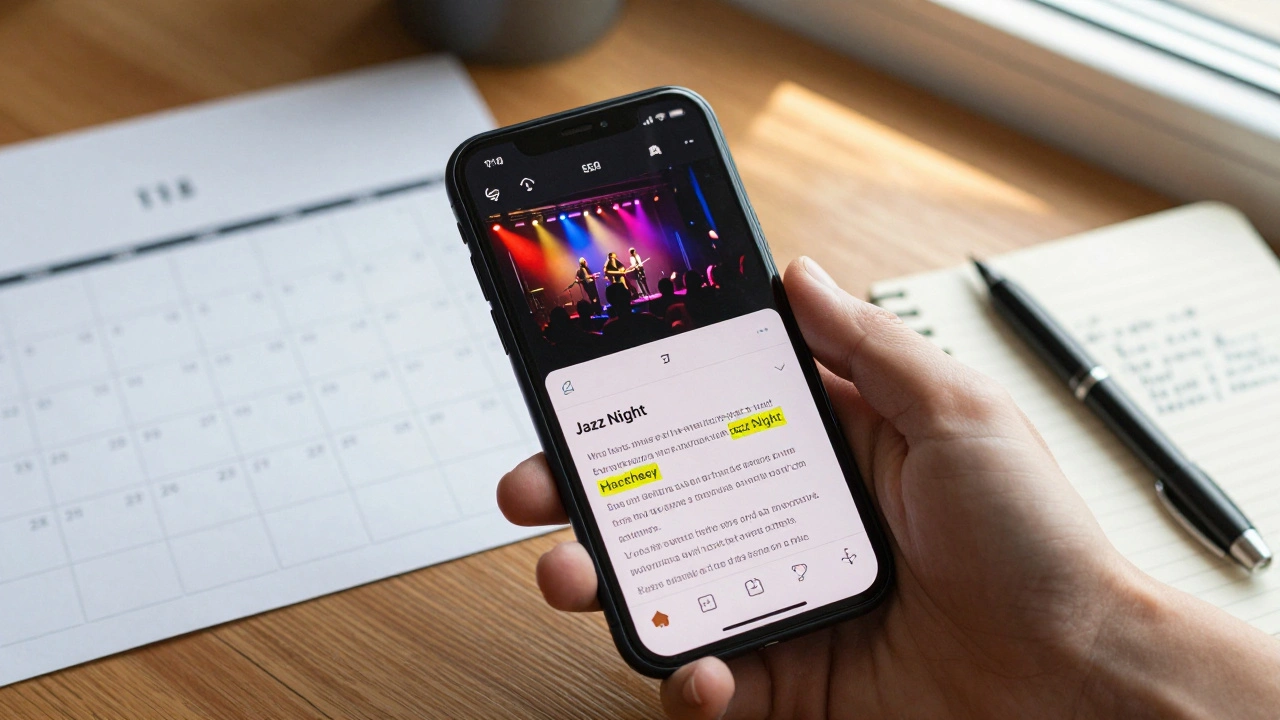
- Poor Mobile Formatting: Over 70% of event searches happen on mobile devices. Test your event page on a phone. Is the text readable? Are buttons easy to tap?
- Ignoring Analytics: Most platforms provide data on views, clicks, and conversions. Review this weekly. If a platform isn’t driving traffic, adjust your strategy or remove the listing to save effort.
- Failing to Update: If your event is cancelled or rescheduled, update all listings immediately. Leaving outdated information leads to negative reviews and lost future business.
Leveraging User-Generated Content
After your event, the work isn’t done. Encourage attendees to share their experiences online. Ask them to tag your event page and use a unique hashtag. Repost their content on your social channels. This creates social proof for future events.
Consider offering incentives for reviews. A discount on the next event or a chance to win a prize can motivate participants to leave feedback. Positive reviews improve your ranking on platforms like Google Maps and TripAdvisor, which also list events.
Next Steps for Your Event Strategy
Start by auditing your current online presence. Which platforms are you already using? How are they performing? Then, prioritize the three big platforms: Facebook, Eventbrite, and Time Out. Create a content calendar that includes submission dates, visual assets, and promotional posts. Finally, engage with your audience after the event to build a loyal community for future occasions.
Is it free to submit events to London listings sites?
Many platforms like Facebook Events and Songkick offer free basic listings. However, paid options often provide greater visibility through featured spots or targeted advertising. Eventbrite charges a service fee per ticket sold rather than an upfront listing cost. Editorial sites like Time Out usually do not charge for inclusion but may offer paid promotion packages.
How long does it take for my event to appear after submission?
Automated platforms like Facebook and Eventbrite typically publish events within minutes or hours. Editorial sites such as Time Out or local newspapers may take anywhere from a few days to several weeks, depending on their publishing schedule and review process. Always plan ahead to account for potential delays.
Can I promote free events on these platforms?
Absolutely. Most platforms welcome free events. In fact, free events often generate more buzz and shares because there is no financial barrier to entry. Clearly mark your event as "Free" in the title and description to attract budget-conscious attendees.
What should I do if my event gets rejected by an editorial site?
Rejection is common due to space constraints or editorial focus. Don’t take it personally. Try again with a different angle or highlight a new aspect of your event. Alternatively, reach out to smaller niche blogs or local community groups that may be more flexible. Persistence pays off in the long run.
How can I track the success of my event submissions?
Use analytics tools provided by each platform. Look at metrics like page views, click-through rates, and conversion rates (RSVPs or ticket sales). UTM parameters in your links can help track traffic sources in Google Analytics. Regularly review this data to refine your strategy for future events.