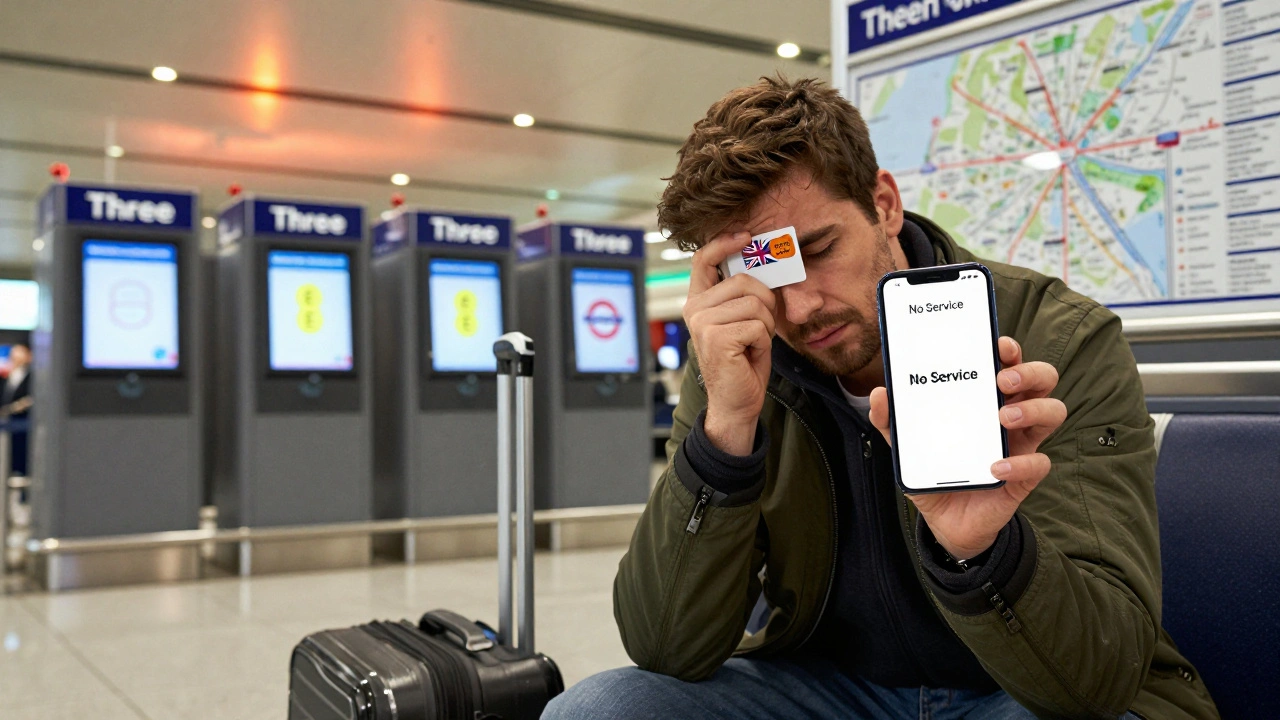
Arriving in London with a dead phone battery and no way to call your hotel? You’re not alone. Every year, millions of visitors struggle with phone and internet access the moment they land. Whether you’re here for a weekend or a month, staying connected isn’t a luxury-it’s how you find the nearest Tube station, book a last-minute theater ticket, or ask for directions without pointing at a map. The good news? Getting online in London is easier than you think-if you know where to start.
Don’t Rely on Roaming
Turning on international roaming might seem like the easiest option, but it’s the most expensive. A single text or 100MB of data can cost you £5-£15 depending on your home carrier. One visitor from the U.S. told me she got a £120 bill for two days of checking maps and WhatsApp messages. That’s more than a day’s Tube pass. Most UK networks charge £10-£20 per day just to use your home plan here. It’s not worth it.
Instead, swap your SIM card. London’s airports-Heathrow, Gatwick, Stansted-all have kiosks for local SIMs. You can buy one right after customs. Providers like Three, EE, and Vodafone sell pay-as-you-go plans starting at £10 for 10GB of data, unlimited UK calls, and texts that last 30 days. No contract. No bank account needed. Just your passport to verify your identity.
Best SIM Cards for Visitors
Here’s what actually works for most tourists in 2025:
- Three (3): £10 for 12GB data, unlimited calls/texts, works across Europe. No speed caps. Best for heavy users.
- EE: £15 for 15GB, includes 5G. Good coverage in central London, but slower after 15GB.
- Vodafone: £12 for 10GB, decent speeds, reliable in Tube stations.
- Lebara: £8 for 8GB, good for light users. Limited customer service, but cheap.
Three is the top pick for most visitors. Their plans don’t throttle speed after you hit your limit-they just slow to 128Kbps, which is still enough for WhatsApp and Google Maps. You can buy these SIMs at the airport, Tesco, or even at newsstands like WHSmith near major stations.
Free Wi-Fi Is Everywhere (But Not Always Reliable)
London has more free Wi-Fi than most cities. The Tube, buses, libraries, Starbucks, Pret, and even some public parks offer it. Look for signs that say “BT Openzone,” “Virgin Media,” or “London Free Wi-Fi.”
But here’s the catch: free Wi-Fi often requires registration. You’ll need to enter your email, agree to terms, or watch an ad. Some networks disconnect after 30 minutes. Others won’t let you stream video. In a rush? It’s frustrating.
Pro tip: Download the London Underground Wi-Fi app before you land. It shows live Wi-Fi hotspots on the Tube map and tells you which ones are working. You’ll save time and avoid standing in a crowded platform trying to log in.

Portable Wi-Fi Hotspots: Worth It?
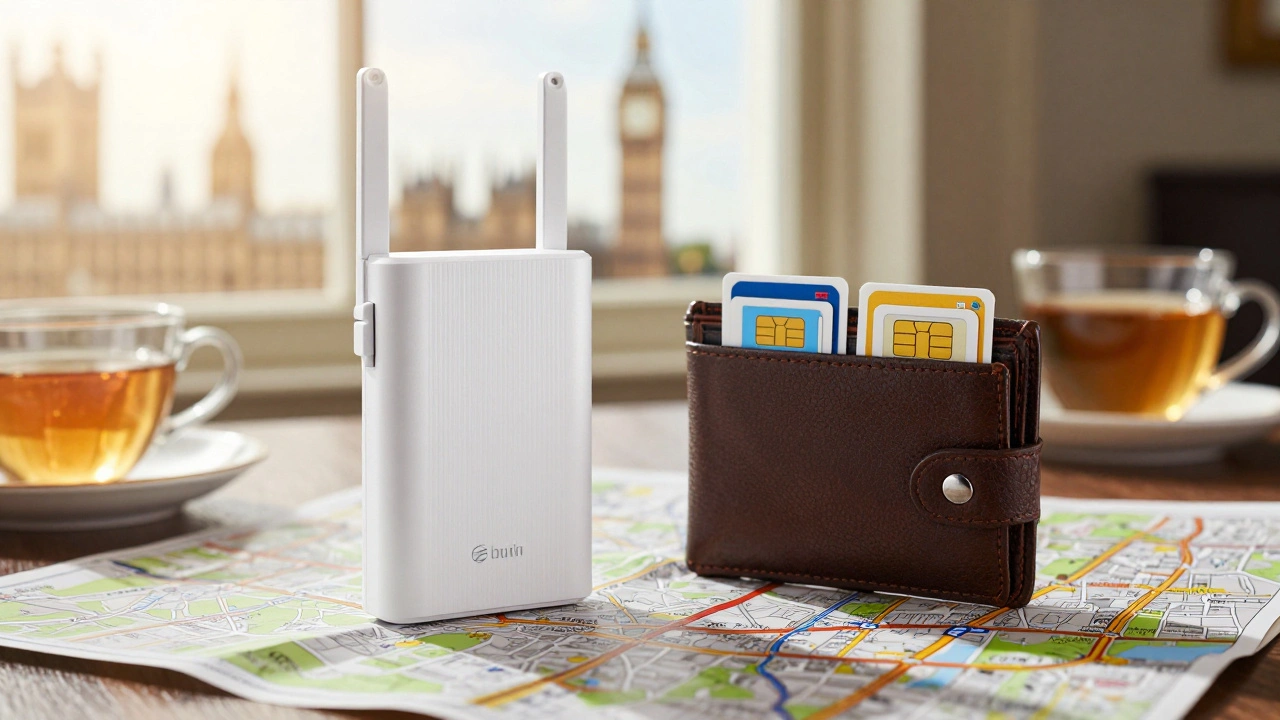
If you’re traveling with a group or need consistent speed for video calls, a portable Wi-Fi hotspot might make sense. Companies like Skyroam, GlocalMe, and WiFiMate rent pocket-sized devices that create a personal network. You plug in a UK SIM or use global data plans.
Cost? Around £5-£8 per day. You can rent one online before you fly and pick it up at the airport. It’s more expensive than a SIM, but if you’re four people sharing, it cuts the cost per person. Plus, you don’t have to swap SIMs when you leave.
Downside: You have to remember to charge it. And if you forget it in a cab, you’re out £50. A SIM card fits in your wallet. A hotspot fits in your pocket. Decide based on your habits.
How to Set Up Your Phone
Buying a SIM is only half the battle. You need to install it right.
- Turn off your phone.
- Use the SIM eject tool (or a paperclip) to open the tray.
- Remove your old SIM. Insert the new one with the gold contacts facing down.
- Turn the phone back on.
- Wait 2-5 minutes. Your phone will automatically connect to the network.
- Go to Settings > Mobile Data and make sure it’s turned on.
If you see “No Service,” double-check the SIM is seated properly. Some phones (like older iPhones) need a specific size-nano-SIM. Most UK SIMs come in triple-cut (standard, micro, nano), so you’ll be fine. If you’re unsure, ask the shop staff to install it for you. Most will do it for free.
Apps That Make Life Easier
Once you’re online, these apps will save you hours:
- TfL Go: Real-time Tube, bus, and train times. Works offline after you download your route.
- Google Maps: Download London offline maps before you fly. You’ll still get location and directions without data.
- Waze: Better than Google for live traffic and police alerts on roads.
- WhatsApp: Free calls and texts over Wi-Fi. Everyone in London uses it.
- Citymapper: Best app for multi-modal trips (bus + bike + walk). Shows step-by-step routes with time estimates.
Don’t download 20 apps. Stick to three: TfL Go, Google Maps, and WhatsApp. That’s all you need to navigate, communicate, and find food.
What If Your Phone Doesn’t Work?
Some phones-especially older models or those locked to U.S. carriers-won’t work with UK SIMs. If your phone says “SIM not supported,” you have two options:
- Buy a cheap Android phone in London. You can get a basic model for £40-£60 at Carphone Warehouse or Argos. It comes with a SIM already installed.
- Use public payphones. Yes, they still exist. You’ll find them near major stations, airports, and shopping centers. They accept £1 and £2 coins. Call 999 for emergencies for free. Local calls cost 40p.
Most visitors don’t need a phone at all if they’re just sightseeing. But if you need to call a hotel, book a taxi, or message someone, a £40 phone is cheaper than a £100 roaming bill.
Emergency Numbers and Contacts
Even with a local SIM, you should know these:
- 999: Police, fire, ambulance. Free from any phone.
- 101: Non-emergency police.
- 111: NHS medical advice (free, 24/7).
- 0800 555 111: UK government helpline for tourists (English only).
Save these in your phone’s contacts before you leave home. Or write them on a slip of paper. You never know when you’ll need them.
Final Tip: Plan Ahead
The biggest mistake visitors make? Waiting until they land to figure this out. By then, you’re tired, confused, and surrounded by people. Buy your SIM before you leave. Order it online and have it shipped to your home. Or pick one up at the airport on arrival. Either way, do it before you step outside.
Once you’re connected, London becomes a different city. You can find the best fish and chips near your hotel. You can check if your museum ticket is still valid. You can ask a local for advice without waving a paper map. Stay connected, and you’ll enjoy London more-without the stress.