
Imagine this: You have a client presentation in Shoreditch at 2 PM, but your office is in Canary Wharf. Traffic is gridlocked, and you’re already running late. Do you risk being late with a laptop on the train, or do you find a professional space nearby? This is the daily reality for many professionals in London a global financial hub with over 8 million residents and high demand for flexible workspace solutions. The city’s fragmented office market means that finding the right room isn't just about clicking "book"; it's about navigating pricing models, location nuances, and technical reliability.
The landscape of meeting room booking the process of reserving temporary commercial spaces for business gatherings, often via digital platforms has shifted dramatically. Gone are the days of calling three different venues and waiting for callbacks. Today, aggregators and direct-booking platforms compete for your attention. But which one actually saves you time and money? Let’s break down the tools that dominate the market in 2026 and how to use them effectively.
Understanding the Landscape: Aggregators vs. Direct Booking
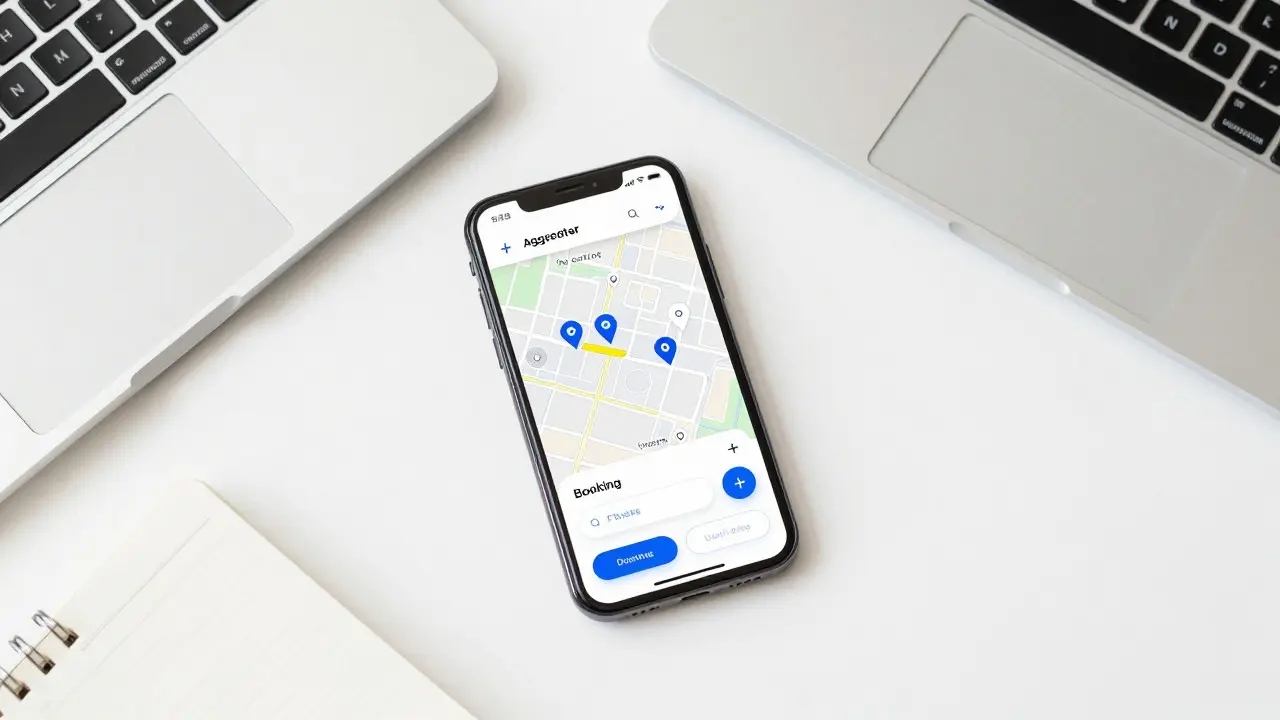
Before you download an app, you need to understand the two main ways to secure a space. The first category consists of aggregator platforms digital marketplaces that list inventory from multiple providers under one interface. Think of these as Airbnb for offices. They offer variety and price comparison features. The second category is direct operator platforms booking systems owned by specific coworking brands like WeWork or Regus. These usually offer loyalty perks but limited choice outside their own network.
Why does this distinction matter? Aggregators give you access to hundreds of locations across zones, from quiet corners in Kensington to buzzing tech hubs in King’s Cross. However, they often add service fees. Direct operators might be cheaper if you commit to a membership, but you’re locked into their specific locations. For one-off meetings, aggregators generally win on flexibility. For regular weekly team off-sites, a direct membership with a major player might save you 15-20% in the long run.
Top Platforms for Finding Spaces in 2026
Not all apps are created equal. Some focus on luxury executive suites, while others prioritize budget-friendly hot desks. Here are the key players you should know about:
- WeWork: The giant in the room. Their app is user-friendly, and their presence in prime central London locations is unmatched. Best for: Corporate teams who need reliable Wi-Fi and brand recognition. Downside: Premium pricing and less personality in some locations.
- Regus (IWG): A veteran in the industry. Regus offers a massive range of options, from single boardrooms to event halls. Their platform is robust, and they have a strong presence in suburban areas like Wembley and Croydon, not just Central London. Best for: Hybrid workers needing both private offices and occasional meeting rooms.
- OfficeSpace.com: A popular aggregator that lists independent landlords and smaller coworking operators. If you want unique, character-filled spaces rather than generic glass boxes, this is your go-to. Best for: Creative industries and startups looking for distinctive venues.
- MeetingSpace: Focuses heavily on quality and curation. They vet their listings, ensuring good AV equipment and professional management. Best for: High-stakes client meetings where technology failure is not an option.
Each platform has its strengths. If you value speed and breadth, look at aggregators. If you value consistency and service guarantees, stick with major operators. Many savvy professionals keep two apps installed: one aggregator for browsing and one operator app for their frequent location.
Key Factors to Consider Before You Book
Price per hour is only part of the equation. In London, location dictates cost more than almost anything else. A meeting room in Mayfair will cost significantly more than one in Stratford, even if the square footage is identical. But why pay the premium? Proximity to Tube stations and client offices can save hours of travel time. Always check the exact location relative to the nearest transport link, not just the postcode.
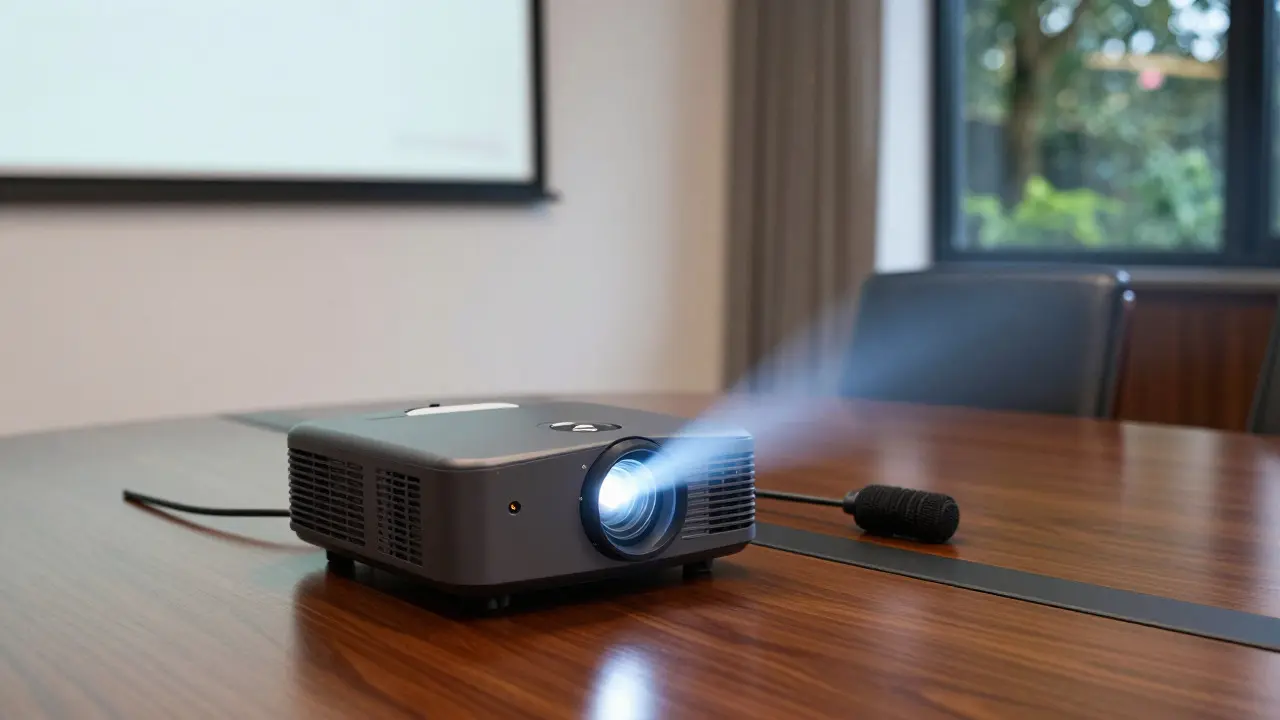
Technical specifications are another critical area. Don’t assume "Wi-Fi included" means fast Wi-Fi. Ask specifically about upload speeds if you plan to stream video or share large files. Check what AV equipment is included. Is there a projector? A screen? Microphones? Some platforms charge extra for these items, which can inflate your total cost by 20-30%. Always read the fine print on what’s included in the base rate.
Cancellation policies vary wildly. Some platforms allow free cancellation up to 24 hours before the start time. Others require 7 days’ notice. If your schedule is volatile, prioritize platforms with flexible terms. It’s better to pay a slightly higher hourly rate for peace of mind than to lose a deposit because a client moved the meeting.
| Platform Type | Best For | Average Price Range (Central London) | Key Feature |
|---|---|---|---|
| WeWork | Corporate Consistency | £35 - £60/hr | Widespread availability |
| Regus | Hybrid Work | £25 - £50/hr | Suburban coverage |
| OfficeSpace.com | Unique Venues | £20 - £45/hr | Independent listings |
| MeetingSpace | High-Stakes Meetings | £40 - £70/hr | Vetted quality |
Navigating Pricing Models and Hidden Costs
London meeting room rates are rarely transparent. The headline price is usually the starting point. VAT (currently 20%) is added on top. Then come the extras. Cleaning fees, minimum booking durations (often 2 or 3 hours), and catering deposits can add up quickly. A room listed at £30/hour might end up costing you £50/hour once you factor in a mandatory 3-hour minimum and cleaning charges.
To avoid surprises, calculate your total cost upfront. Use this simple formula: (Hourly Rate x Hours) + Fixed Fees + VAT = Total Cost. Compare this total against other options. Sometimes, a slightly more expensive room with no hidden fees is cheaper than a cheap room with numerous add-ons. Also, look for off-peak discounts. Many venues offer lower rates for early morning slots (before 9 AM) or late afternoon sessions (after 5 PM).
Practical Tips for Seamless Booking
Booking a room is easy; making sure it works for your specific needs requires preparation. Here are some pro tips to ensure your meeting goes smoothly:
- Verify Access Methods: Does the building have a keypad entry? Will you receive the code instantly upon booking? Or do you need to call reception? In a busy city, losing 15 minutes trying to get into a building is frustrating. Choose venues with automated access or clear instructions.
- Check Connectivity: If possible, ask for the guest Wi-Fi password in advance. Test it if you arrive early. Nothing kills a presentation faster than a buffering video.
- Confirm Catering Options: Some venues partner with local cafes for delivery. Others require you to bring your own food. Know the policy so you aren’t stuck choosing between stale sandwiches and overpriced vending machine snacks.
- Read Recent Reviews: Don’t just look at star ratings. Read the most recent comments. Look for mentions of cleanliness, noise levels, and staff responsiveness. A 4.5-star rating with a comment saying "AC was broken" is a red flag.
Finally, consider the vibe. Is the room too small for your group? Too echoey? Photos help, but they don’t tell you everything. If you’re booking for a large group, call ahead to confirm capacity. Crowded rooms lead to uncomfortable conversations and distracted participants.
Frequently Asked Questions
What is the average cost of a meeting room in Central London?
As of 2026, the average hourly rate for a standard meeting room in Central London ranges from £30 to £60. Premium locations in Mayfair or Knightsbridge can exceed £80 per hour. Suburban areas like Croydon or Enfield typically see rates between £15 and £30 per hour.
Do I need to pay a deposit when booking online?
Most platforms require a credit card guarantee, but full payment is often taken at the time of booking or upon arrival. Some aggregators hold a security deposit, which is refunded after the meeting if no damage occurs. Always check the payment terms before confirming.
Can I book a meeting room for just one hour?
Yes, but watch out for minimum duration rules. Many venues enforce a 2-hour or 3-hour minimum booking window. While you can physically leave after one hour, you may still be charged for the full minimum period. Look for "hourly" filters on booking platforms to find venues with flexible short-term options.
Which app is best for last-minute bookings?
Aggregator platforms like OfficeSpace.com or dedicated last-minute apps tend to be best for urgent needs because they show real-time availability across many venues. Direct operator apps like WeWork are also good if you know you have a location nearby, as they often release unsold inventory closer to the date.
Are meeting rooms in London accessible for people with disabilities?
Most modern coworking spaces and professional meeting rooms are compliant with UK accessibility standards, featuring step-free access and adapted restrooms. However, older buildings in historic areas may have limitations. Always check the venue’s accessibility details on the listing or contact the provider directly to confirm specific requirements.