You’re scrolling through your feed on a Tuesday morning, coffee in hand, and you spot it: a hidden gem of an underground jazz club in Dalston or a limited-run immersive art installation in Shoreditch. It looks perfect for next weekend. You think, "I'll remember this," and keep scrolling. By Friday, the post is buried under three days of memes, work updates, and ads. The event sold out by noon. Sound familiar? We’ve all been there. Saving London culture content isn’t just about hoarding links; it’s about curating a life that actually gets lived.
Most people treat saving posts like a digital junk drawer. They hit the heart icon on Instagram or the bookmark tab on Safari and forget they exist. But if you want to actually go to that exhibition or try that new tasting menu, you need a system. This guide breaks down exactly how to save, organize, and retrieve your favorite London cultural finds before they disappear from your feed and your memory.
Why Your Default Bookmarks Are Failing You
Let’s be honest: the native bookmark features on most platforms are terrible for planning trips or weekends out. When you tap the little ribbon icon on Instagram, that post vanishes into a private folder that no one else can see and that you rarely check. Same with browser bookmarks. They are static. They don’t remind you when the event ends. They don’t tell you if the museum is closed on Mondays. They just sit there, collecting digital dust.
The problem isn’t the technology; it’s the workflow. A saved post needs to become an actionable item. If you save a post about a pop-up dinner in Hackney, it needs to trigger a calendar entry, not just a mental note. If you save a list of best bookshops in Bermondsey, it needs to be accessible offline because half of London’s basement cafes have spotty Wi-Fi. To fix this, you need to move beyond simple saving and start building a personal knowledge base for your leisure time.
Mastering Platform-Specific Saving Tools
Different platforms handle saves differently, and knowing the nuances can save you hours of frustration later. Here is how to get the most out of the tools you already use.
Instagram Collections and Highlights
Instagram is arguably the biggest driver of London culture discovery right now. But tapping the bookmark icon once isn’t enough. You need to create specific Collections. Go to your saved posts, tap the plus sign, and name them by neighborhood or activity type. Try names like "Shoreditch Eats," "South Bank Walks," or "Free Exhibitions." Why? Because when you’re standing outside a venue wondering what to do nearby, searching "Shoreditch" in your saved items yields immediate, relevant results. Don’t just dump everything into "General." Specificity beats volume every time.
Pro tip: Add a location tag to your collection cover image if possible. It sounds minor, but visual cues help your brain categorize faster than text labels alone.
TikTok and Reels: The Video Trap
Video content is high-energy but low-retention. You watch a 15-second clip of a speakeasy in Soho, laugh, and scroll past. Saving it is crucial, but video saves are even harder to find than photo saves. On TikTok, use the "Favorites" feature rather than just liking a video. On Instagram Reels, ensure you add them to a Collection immediately. The key here is speed. Do not wait until you are home to sort these. Tap the save button while the dopamine hit is still fresh, then refine the organization later.
Browser Bookmarks vs. Read-Later Apps
If you are reading long-form articles about London’s history or detailed guides to theater districts, browser bookmarks are okay, but read-later apps like Pocket or Instapaper are better. These apps strip away the ads and pop-ups, leaving you with clean text. More importantly, they sync across devices. Save an article on your phone during your commute, and it appears on your laptop at home. This cross-device continuity is vital for serious research into things like West End Theatre schedules or complex museum membership comparisons.
Building a Centralized Hub with Notion or Obsidian
Once you have saved posts across various apps, you face fragmentation. Your Instagram has photos, your browser has articles, and your email has newsletters. How do you bring them together? Enter the central hub. For many Londoners, this means using a tool like Notion or Obsidian.
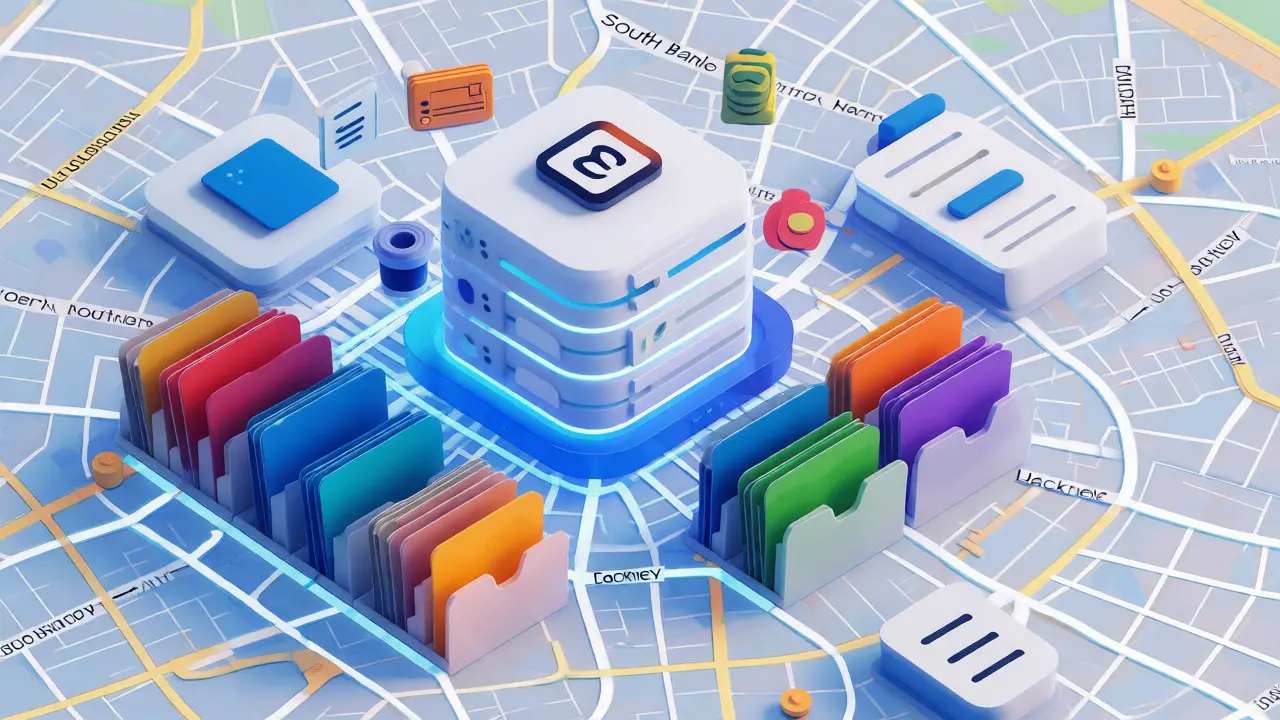
Notion is particularly effective because it allows you to embed external links directly into pages. You can create a database called "London Bucket List." Each entry can have properties: Date Visited, Cost (£), Neighborhood, and Rating. You paste the Instagram link into the "Source" field. Now, instead of a scattered mess of likes, you have a searchable, filterable database. Want to find all free activities in Southwark under £10? Filter the database. Done.
For those who prefer simplicity, a shared Apple Note or a Trello board works too. The tool matters less than the habit of consolidation. Set aside ten minutes on Sunday evening to move your week’s saved items into this central hub. This ritual turns passive consumption into active planning.
Using Physical and Hybrid Methods for Culture Buffs
Not everything should live on a screen. There is a tactile joy to physical curation that digital tools lack, especially for something as sensory as culture. Consider keeping a small notebook dedicated to London discoveries. Write down the name of the bar, the vibe, and one thing you liked. Why? Writing engages different parts of your brain than typing. You are more likely to remember the experience and share it with friends.
A hybrid approach works well for events. Use digital calendars for dates (e.g., "Tate Modern Late Opening - Oct 14") but use a physical journal for impressions (e.g., "The lighting in the Turbine Hall was overwhelming; go early"). This dual method ensures you capture both the logistical facts and the emotional resonance of the experience.
| Method | Best For | Pros | Cons |
|---|---|---|---|
| Instagram Collections | Visual inspiration, quick ideas | Easy to access, visual browsing | No reminders, hard to search by date |
| Read-Later Apps (Pocket) | Long-form articles, deep dives | Clean reading, cross-device sync | Loses context of original platform |
| Notion Database | Planning, tracking costs/ratings | Highly customizable, searchable | Steep learning curve, manual input |
| Physical Notebook | Impressions, offline reliability | No battery needed, better retention | Hard to search, not shareable |
Automating the Process with IFTTT and Zapier
If you hate manual data entry, let robots do it for you. Services like IFTTT (If This Then That) or Zapier can connect your social accounts to your storage hubs. You can set up a rule: "If I save a post on Instagram, send the URL to my 'London Saves' email address." Or, "If I star an email in Gmail, create a task in Todoist."
This automation removes friction. You don’t have to open Notion and copy-paste links. You just hit save on the app where you found the content, and the system handles the rest. For heavy users of multiple platforms, this is a game-changer. It ensures that nothing falls through the cracks between your phone and your planner.
Reviewing and Purging: The Weekly Audit
Saving is easy; deleting is hard. Your saved folders will fill up with outdated info. That pop-up market ended six months ago. That restaurant changed its menu. If you never review your saves, your bucket list becomes a graveyard of dead links. Implement a "Weekly Audit." Every Sunday, spend five minutes going through your saved items from the last seven days. Ask yourself: Is this still relevant? Can I act on this soon? If the answer is no, delete it. If the answer is yes, schedule it.
This practice keeps your recommendations fresh. It also helps you identify patterns. Maybe you keep saving vegan bakeries but never visit them. Maybe you save every gallery opening but only go to concerts. Recognizing these discrepancies helps you align your digital habits with your actual lifestyle.
Frequently Asked Questions
How do I save Instagram posts so I can find them easily later?
Instead of just tapping the bookmark icon, create specific Collections within Instagram. Name them by neighborhood (e.g., "Camden") or category (e.g., "Museums"). This allows you to filter saved posts quickly when you are planning a trip to a specific area.
What is the best app for saving London event links?
For pure link storage and reading, Pocket or Instapaper are excellent because they clean up the web page. For organizing events with dates and locations, Notion or Apple Reminders are better because they allow you to add metadata and set notifications.
Can I share my saved London culture lists with friends?
Native Instagram saved posts are private. However, you can create a public Highlight on your profile or share individual posts via direct message. For shared lists, consider using a collaborative tool like a shared Apple Note or a Trello board where everyone can add their finds.
How often should I clear my saved posts?
A weekly audit is recommended. Spend 5-10 minutes every Sunday reviewing new saves. Delete anything that is expired or no longer interesting, and move actionable items to your calendar or to-do list. This prevents your saved folder from becoming cluttered with irrelevant content.
Do I need paid tools to manage my culture saves effectively?
No. Free versions of Instagram, Pocket, and Notion are sufficient for most users. Paid tiers offer more storage or advanced integrations, but the core functionality of saving and organizing is available without cost. Start with free tools and upgrade only if you hit limits.