
You’ve booked the flight. You’re ready to trade your home office for a view of the Thames or a quiet corner in Shoreditch. But before you pack your laptop, there’s a catch that trips up almost every remote worker: the UK does not currently have a specific "digital nomad visa." If you’re planning to work remotely from London, you need to navigate the standard visitor rules carefully, or risk getting turned away at border control.
This isn’t just about paperwork. It’s about logistics. Can you get reliable Wi-Fi in a pub? Is the time zone difference going to ruin your sleep schedule? Where do you actually sit when you don’t want to work from your Airbnb? This guide breaks down exactly how to make remote work in London viable, legal, and productive.
The Visa Reality Check
Let’s clear up the biggest misconception first. As of September 2026, the UK government has not introduced a dedicated Digital Nomad Visa. Most people working remotely from London enter on a Standard Visitor Visa (if they require one) or use their Electronic Travel Authorisation (ETA) if they are from visa-exempt countries like the US, Canada, or Australia.
Here is the rule: You can conduct business activities while visiting, but you cannot be employed by a UK company or provide services directly to UK clients as part of your visit. If you are working for an employer based outside the UK, attending meetings, or negotiating contracts, you are generally fine. The moment you start invoicing UK companies for freelance work delivered locally, you might be crossing into territory that requires a different type of permission, such as the Skilled Worker Visa or the Global Talent Visa.
Standard Visitor Visa allows stays of up to six months. For most remote workers, this is the golden window. It permits you to attend conferences, sign contracts, and take meetings. However, it strictly prohibits paid work for a UK source. If you plan to stay longer than six months, you must leave the country and re-enter, though frequent back-to-back entries can raise red flags with border agents who suspect you’re living here rather than visiting.
Mastering the GMT/BST Time Zone
If you’re coming from New York, you’re five hours behind London. If you’re coming from Sydney, you’re ten hours ahead. This gap is the single biggest friction point for remote workers in London. It forces awkward meeting times unless you adjust your schedule aggressively.
Most international tech companies operate on a "core hours" model. In London, this usually means being online between 9:00 AM and 5:00 PM local time. If your team is in San Francisco, your day starts early-around 1:00 AM London time-to catch the tail end of their workday, then resumes late afternoon for their morning. It’s brutal for social life but manageable if you block out deep work during the mid-day lull.
Pro tip: Use world clock apps that allow you to set multiple time zones simultaneously. Don’t rely on mental math. When someone says "let’s sync at noon," clarify immediately whether they mean London noon or their local noon. Miscommunication here costs hours.
Finding Your Office: Coworking vs. Cafes
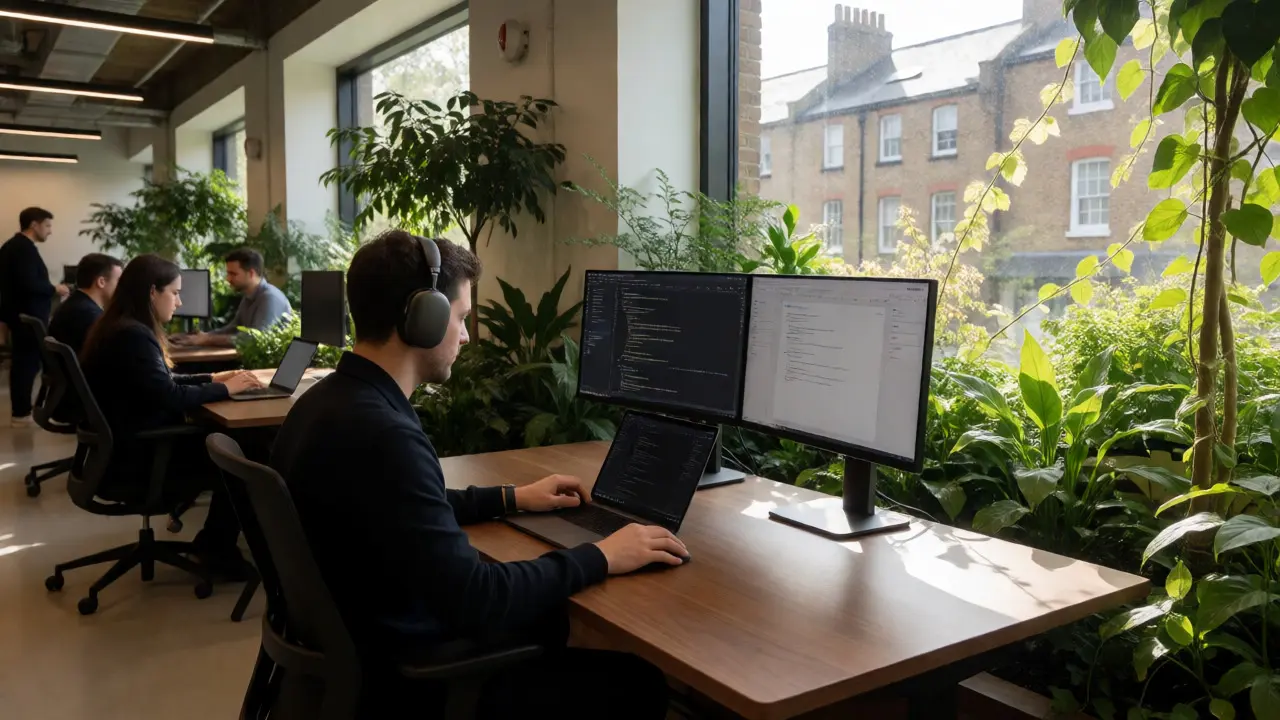
London is expensive, and cafes aren’t always friendly to laptop warriors. While some pubs welcome you with a pint, others will ask you to leave after two hours if you haven’t bought food. That’s why coworking spaces are essential infrastructure for serious remote work.
Coworking isn’t just about desks; it’s about community and reliability. Here’s a breakdown of the main players:
| Provider | Best For | Avg. Daily Pass Price | Vibe |
|---|---|---|---|
| WeWork | Networking & Corporate Feel | £35-£45 | Polished, high-traffic |
| Second Home | Creatives & Startups | £40-£50 | Boutique, garden-focused |
| Tier 1 | Quiet Focus | £30-£40 | Minimalist, library-like |
| Local Indie Hubs | Budget & Community | £15-£25 | Laid-back, neighborhood feel |
Second Home, founded by Sir Richard Branson, is particularly popular among digital nomads because many locations feature indoor gardens and a relaxed atmosphere that doesn’t feel corporate. Tier 1 offers smaller, quieter spaces ideal for coders or writers who need silence. If you’re on a tight budget, look for independent hubs in areas like Hackney Wick or Brixton. They often offer day passes for under £20 and include unlimited coffee.
Connectivity and Tech Infrastructure
London’s internet infrastructure is robust, but it varies wildly by location. In central zones (Zone 1), fiber optic speeds are standard. In outer boroughs, you might still encounter slower copper lines if you’re renting an older apartment.
For mobile data, three major networks dominate: EE, Vodafone, and Three. EE consistently ranks highest for coverage and speed in London according to Ofcom reports. A pay-as-you-go SIM card costs around £10-£15 per month for decent data packages. Do not rely solely on public Wi-Fi. Train connections drop frequently, and cafe Wi-Fi can throttle speeds during peak hours. Always have a hotspot backup.
One quirk to watch for: Many London buildings have thick stone walls or underground layouts that kill cell signals. If you’re working from a basement cafe, check signal strength before ordering your latte. A portable Wi-Fi router or a dual-SIM phone setup saves you from dead zones.
Living Costs and Budgeting for Remote Work
Working remotely from London is not cheap. Accommodation eats up 50-70% of your budget. Short-term rentals through platforms like Airbnb or Booking.com are convenient but pricey. Monthly rates for a private room in a shared flat in Zones 2-3 range from £1,200 to £1,800. Central London (Zone 1) pushes this to £2,000+.
Food costs add up quickly. A meal at a mid-range restaurant averages £20-£30 per person. Groceries are comparable to other major global cities, but convenience stores charge a premium. To save money, shop at supermarkets like Tesco, Sainsbury’s, or Aldi, and cook at home. The Oyster Card or contactless payment system makes transport efficient-a daily cap for Zones 1-2 is roughly £8.50, which is reasonable compared to taxi fares.
Remember to factor in "hidden" costs: laundry services if you’re staying short-term, co-working memberships, and occasional networking events where cover charges apply. Budget an extra £200-£300 per month for these lifestyle expenses.
Essential Tools for the London-Based Remote Worker
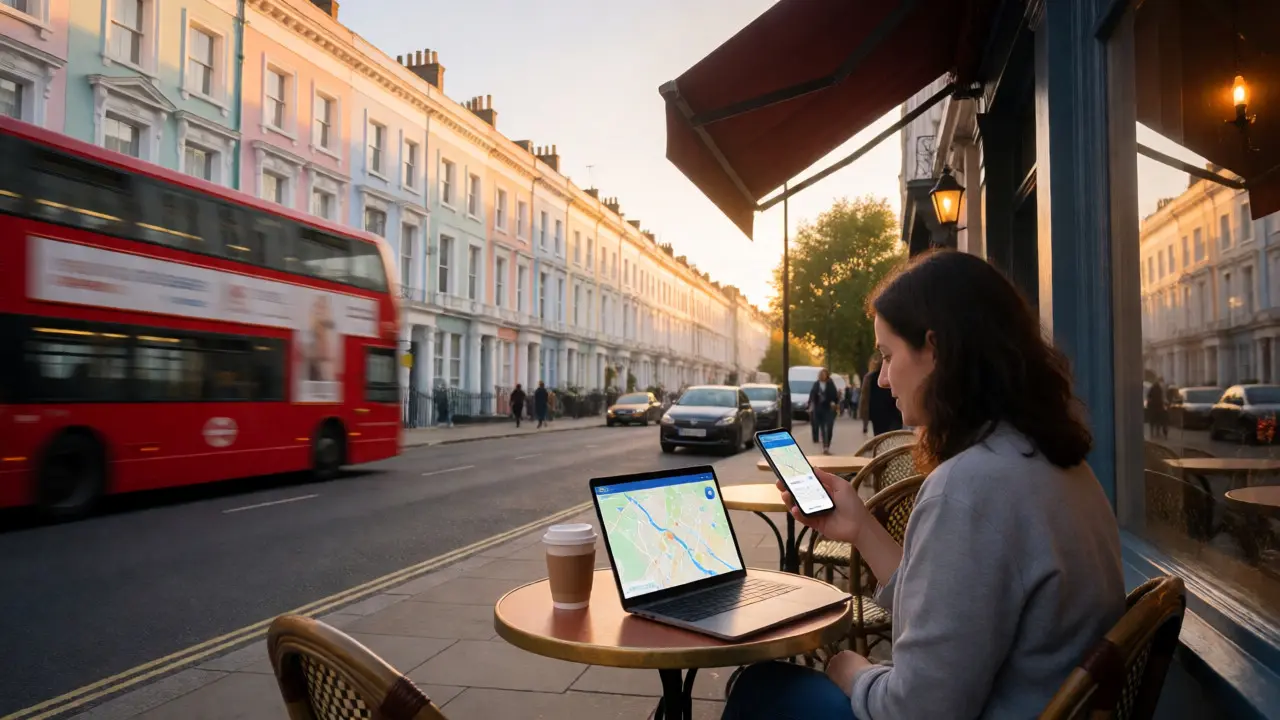
You need more than just Slack and Zoom. Navigating London requires specific apps and habits.
- Citymapper: Better than Google Maps for transit. It shows real-time delays, exit instructions, and alternative routes instantly.
- Oyster/TfL App: Manage your travel balance and see live train arrivals.
- Meetup.com: Great for finding professional gatherings. Search for "tech meetups" or "digital nomads London" to build a network.
- Too Good To Go: Saves money on food by letting you buy surplus meals from restaurants at a discount at closing time.
For productivity, noise-canceling headphones are non-negotiable. London is loud. Construction, sirens, and crowded trains are constant. Even in a coworking space, ambient noise can distract. Invest in quality audio gear to protect your focus.
Social Integration: Beyond the Laptop
Remote work can be lonely. London solves this better than most cities if you put in effort. Join a coworking community event. Attend a Friday night mixer. Volunteer for a weekend activity. The city is full of expats and locals eager to connect.
Parks like Hyde Park, Regent’s Park, and Victoria Park are perfect for outdoor calls when the weather permits. Many cafes in neighborhoods like Notting Hill or Clerkenwell have outdoor seating areas with power outlets. Just check beforehand-outdoor outlets are rare.
Finally, respect the culture. Londoners value punctuality and politeness. Queue properly. Say "please" and "thank you." These small gestures go a long way in building rapport with baristas, coworkers, and neighbors.
Can I work remotely from London without a special visa?
Yes, for most nationalities, you can enter as a visitor and work remotely for a foreign employer. You do not need a special "digital nomad visa" because one doesn't exist yet. However, you cannot work for a UK-based employer or provide services to UK clients while on a standard visitor entry.
How long can I stay in London as a remote worker?
Typically up to six months on a Standard Visitor Visa. After that, you must leave the UK. Re-entering immediately is possible but risky if border officials believe you are living in the UK rather than visiting. Some people do "visa runs" to neighboring countries, but this is not officially endorsed for long-term residence.
Is internet reliable in London for remote work?
Generally yes. Fiber broadband is widespread in urban areas. Mobile data (4G/5G) is also strong, especially with providers like EE. However, older buildings may have weaker signals, so having a backup hotspot or choosing accommodations with verified high-speed Wi-Fi reviews is crucial.
What is the best area to live for remote workers in London?
Shoreditch and Hackney are popular for their vibrant startup scene and numerous coworking spaces. King's Cross is great for connectivity and modern apartments. Clapham and Balham offer a more residential, village-like feel with good transport links to the center. Choose based on your budget and preference for nightlife versus quiet.
Do I need a UK bank account to work remotely from London?
Not necessarily. If you are only staying short-term, you can use international cards like Wise or Revolut, which handle GBP transactions easily. Opening a traditional UK bank account usually requires proof of address and a longer residency status, which visitors often lack. Digital banks are the best workaround for short-term remote workers.