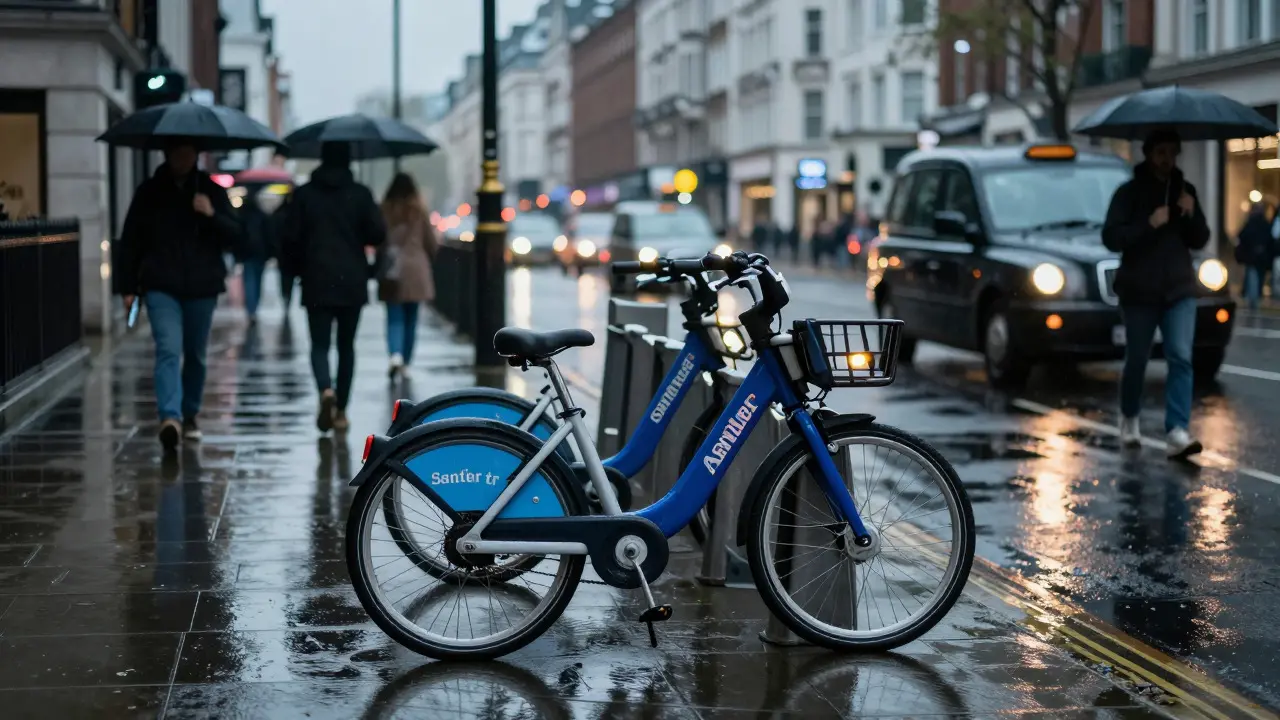
Imagine you’re standing on a busy London street, rain threatening, and you need to cross the city in under twenty minutes. A taxi is stuck in traffic, the Tube is crowded, and walking feels like a marathon. This is exactly when Santander Cycles becomes your best friend. It’s not just a bike; it’s a lifeline for navigating the capital efficiently. Many people think hiring a bike in London is complicated or expensive. But if you know how the system works, it’s surprisingly simple. Whether you are a tourist visiting for a weekend or a local resident trying to save money on travel, this guide covers everything you need to know about using Santander Cycles in 2026. We’ll break down the costs, show you how to sign up in seconds, and give you pro tips to avoid common pitfalls.
What Exactly Are Santander Cycles?
Santander Cycles is London's official public bicycle sharing scheme, operated by Transport for London (TfL) and sponsored by the Spanish bank Santander. You might see them referred to as "Boris Bikes" from older news articles, but the branding has changed. The bikes themselves are sturdy, step-through frames designed for comfort rather than speed. They feature automatic lights, a bell, and a basket at the front for carrying groceries or bags. The network consists of thousands of docking stations spread across Central London and key suburban areas. Each station has multiple docks where you can lock and unlock bikes. If you have ever tried to find a free dock at rush hour, you know the frustration. That’s why understanding the layout is crucial before you start pedaling.
How to Sign Up and Unlock Your First Ride
Getting started is faster than buying a coffee. You don’t need to visit a physical office. Here is the step-by-step process to get rolling:
- Download the App: Install the "Santander Cycles" app on your smartphone. It’s available for both iOS and Android.
- Create an Account: Use your email address to register. You will need to verify your phone number via SMS.
- Add Payment Method: Link a credit or debit card. Prepaid cards often work, but contactless bank cards are the most reliable.
- Find a Bike: Open the app and look at the map. Green dots indicate stations with available bikes. Blue dots mean no bikes are available.
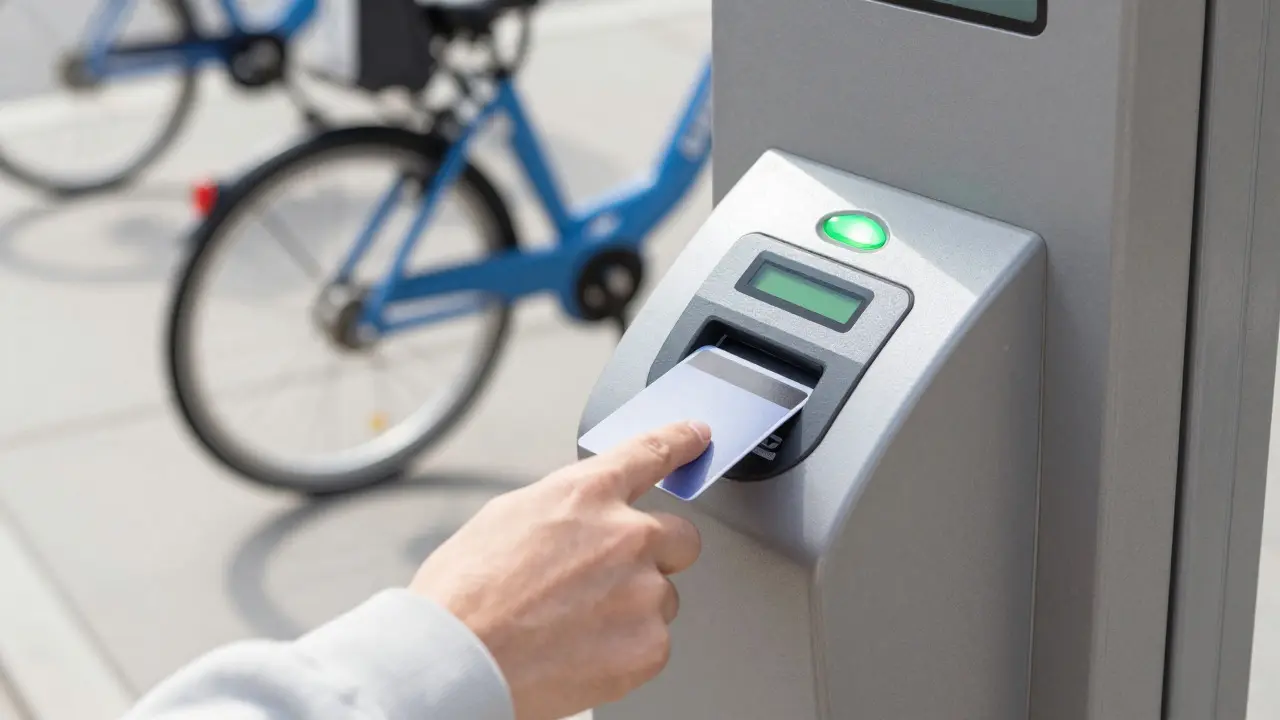
- Unlock: Walk to the dock, press the button on the top of the dock, and lift the bike out. The light should turn green, indicating you are connected.
Understanding the Pricing Structure in 2026
Cost is usually the biggest concern for new users. The good news? Short trips are incredibly cheap. Here is how the pricing works for standard members (non-annual pass holders):
- First 30 Minutes: Free. Yes, you read that right. For casual users, the first half-hour is on the house.
- After 30 Minutes: £1.00 per additional 30-minute block.
- Daily Cap: If you ride more than three times a day, there is a daily cap of £5.00.
- Annual Passes: Regular commuters can buy annual passes. The "Regular" pass costs around £90 per year and gives you unlimited rides up to 45 minutes each. The "Supercharger" pass is more expensive but offers longer free ride times.
Navigating the City: Best Routes and Pitfalls
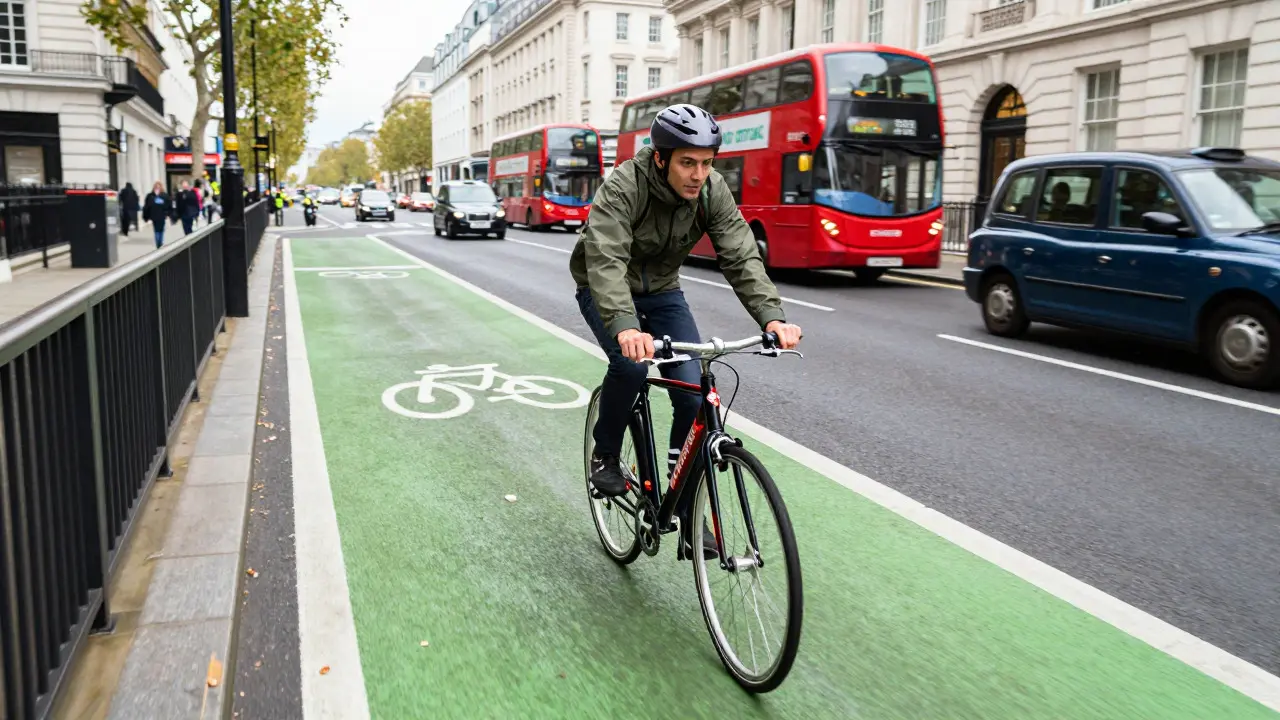
London has dedicated cycle lanes in many areas, but they aren’t everywhere. As a cyclist, you need to be aware of your surroundings. The roads can be chaotic, especially near major intersections like Oxford Circus or Piccadilly Circus. Here are some practical tips for staying safe and efficient: * Stick to Cycle Superhighways: These are designated routes with protected lanes. They connect major hubs like the City, West End, and South Bank. They are safer and often faster than weaving through traffic. * Watch Out for Dock Availability: Don’t plan a long trip ending at a small station in a residential area. Small stations fill up quickly. Major hubs like King’s Cross, Victoria, and Waterloo have dozens of docks and are much more reliable for returning your bike. * Check the Weather: The bikes have fenders, but they aren’t waterproof suits. If it’s pouring, consider the Tube. However, on dry days, cycling beats public transport every time for short distances. * Battery Life: The bike’s battery powers the lights and the display. If the display goes dark, the bike still works, but you won’t see your ride time. Keep an eye on your phone app instead.
Santander Cycles vs. Other Options
You might wonder how this compares to other ways to get around. Let’s put it in perspective.
| Mode | Avg Cost (Short Trip) | Speed Factor | Best For |
|---|---|---|---|
| Santander Cycles | £0 - £5 | High (if direct) | Trips under 5km, avoiding traffic |
| Taxi/Uber | £10 - £25+ | Low (traffic dependent) | Groups, late nights, heavy luggage |
| Tube/Metro | £2.80 - £6.00 | Medium (wait times) | Cross-city travel, bad weather |
| Walking | £0 | Low | Very short distances, sightseeing |
Common Mistakes to Avoid
Even experienced riders make errors. Here are the ones that cost you money or time: 1. Leaving the Bike Unlocked: If you stop to take a photo, lock the bike. While theft is rare, leaving it unlocked invites trouble. 2. Ignoring the Return Time: If you hit the 30-minute mark, you start paying. Check the app timer before you finish your ride. 3. Picking a Full Station: Always check the app map *before* you arrive at your destination. If all docks are red, you’ll be stranded looking for another station. 4. Not Checking Tire Pressure: Occasionally, a bike may have a slightly flat tire. It’s rare, but if the ride feels bumpy, report it via the app and find another bike if possible.
Frequently Asked Questions
Do I need a membership to use Santander Cycles?
No, you do not need a pre-paid membership for occasional use. You can pay per ride using a contactless bank card or through the app. However, if you plan to ride regularly, an annual pass saves money after a few weeks of use.
Can I use Santander Cycles outside of Central London?
Yes, the network has expanded significantly. There are now stations in areas like Greenwich, Richmond, and parts of East London. However, coverage is densest in Zone 1 and parts of Zone 2. Check the live map in the app to confirm availability in your specific area.
What happens if I forget to lock the bike at the end of my ride?
Your ride doesn't officially end until the bike is locked into a dock. If you leave it unlocked, the timer keeps running, and you will be charged for the extra time. Make sure the dock light turns green and you hear the click before walking away.
Are Santander Cycles suitable for children?
Riders must be at least 8 years old to use the bikes. Children under 8 must be accompanied by an adult who is responsible for the child. The bikes are one-size-fits-all, so very tall or very short riders might find the fit less comfortable, but it is generally manageable for most adults.
Is it better to use the app or a contactless card?
The app is generally better because it shows real-time availability of bikes and docks. With a contactless card, you have to physically go to a station to see if there are bikes. The app allows you to plan your route and ensure you have a place to park the bike before you start riding.